
iPhone app: repairity in your pocket.
Book devices in, scan labels, photograph the condition and dictate notes from an iPhone at the counter or the bench. Whatever you do goes straight onto the repair under your name.
14 days free · No card needed
one app, with a mode for the counter and one for the workshop.
Each iPhone runs in whichever mode suits the person holding it. You decide which steps each mode can take, and the buttons on the phone follow what you've set in Repairity.
shopfront.
Book devices in at the counter, check them in and hand them back.
warehouse.
Take devices in at the workshop, repair them and send them back out.
Lock a role to one mode, so front desk only ever sees the counter.
Book in
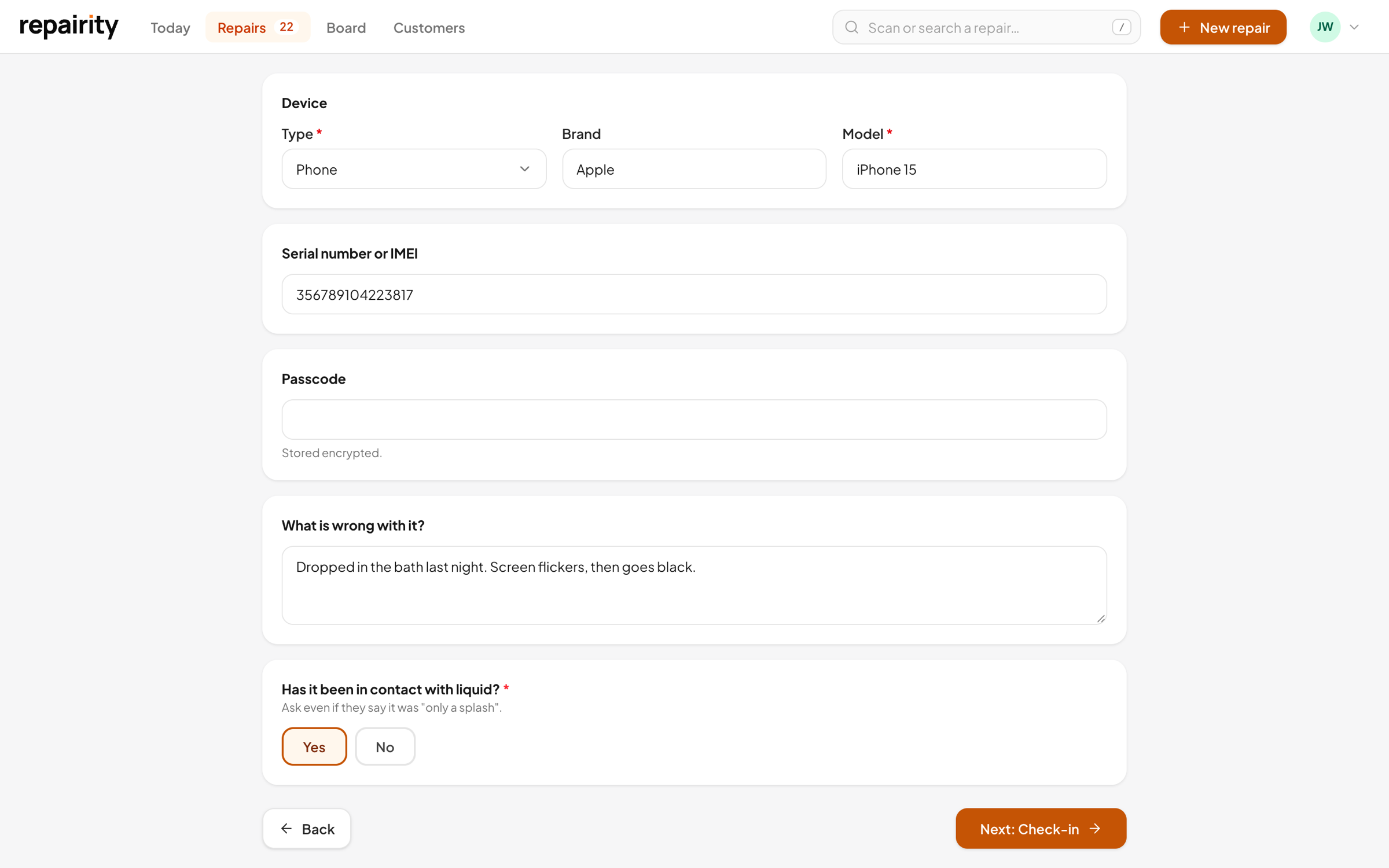
your booking-in questions, on the phone.
Change a question in Repairity and every iPhone asks it next time. Rules still apply, so a water-damaged phone gets marked urgent wherever it's booked in.
- The same questions as the counter and your online form
- Find an existing customer as you type
- Customer signature on screen when you ask for one
Condition and photos
record the condition before anyone touches it.
A quick condition report at check-in settles "it wasn't scratched when I brought it in" before the argument starts. You decide whether it's required at check-in, at hand-back or not at all.
- Grade the screen, back, frame, buttons and cameras
- Photos for each area, taken right on the phone
- Require a condition report or photos before check-in or hand-back
Talk, don't type
talk your notes in and record the counter chat.
With a phone half apart on the mat, it's easier to say what you see than type it. And when a customer explains a fault at the counter, record the conversation so the technician hears it in their words.
- Speak a note and it's written up on the repair
- Record what the customer told you, with their consent
- Transcripts stay internal, never on the tracking page
"It was fine until Saturday, then it got wet at the football and now it won't charge at all."
"Tried two cables. It turns on if it's already got charge."
small things that save a lot of walking.
Scan anything
Point it at a repair label, a tracking-page link, a serial number or a parcel's tracking number and it brings up the repair.
One tap per step
The next steps show as buttons, with Undo if you tap the wrong one.
Working on this
Tap it and the team can see the repair is in your hands right now.
Your name on everything
Staff sign in with their own Repairity login, so every note and photo is credited to whoever took it.
good to know.
If you're still weighing it up, try everything free for 14 days. You don't need a card.
Does it work on iPad too?
Yes. The same app runs on iPhone and iPad.
Can I limit what staff can do in the app?
Yes. Under Manage → iPhone app you choose which modes are switched on, which steps each mode can take, and what check-in and hand-back need. Changes reach every phone within a minute.
Do we have to record counter conversations?
No. You can switch it off, ask for the customer's consent first, and choose whether to keep the audio or only the transcript.
Does the app cost extra?
No. The iPhone app is included on every plan. Shopfront mode works on all of them, and warehouse mode, for technicians at the bench, needs Growth.